Translate manga
on your desktop.
KZRS finds the speech bubbles, sends their text to the AI you choose, erases the original lettering and typesets the translation. Whatever needs fixing, you fix in the editor.
Windows .exe · .msi macOS .dmg Linux AppImage · tar.gz
Free · 5 translated + 3 manual pages a day · no account · built in Rust
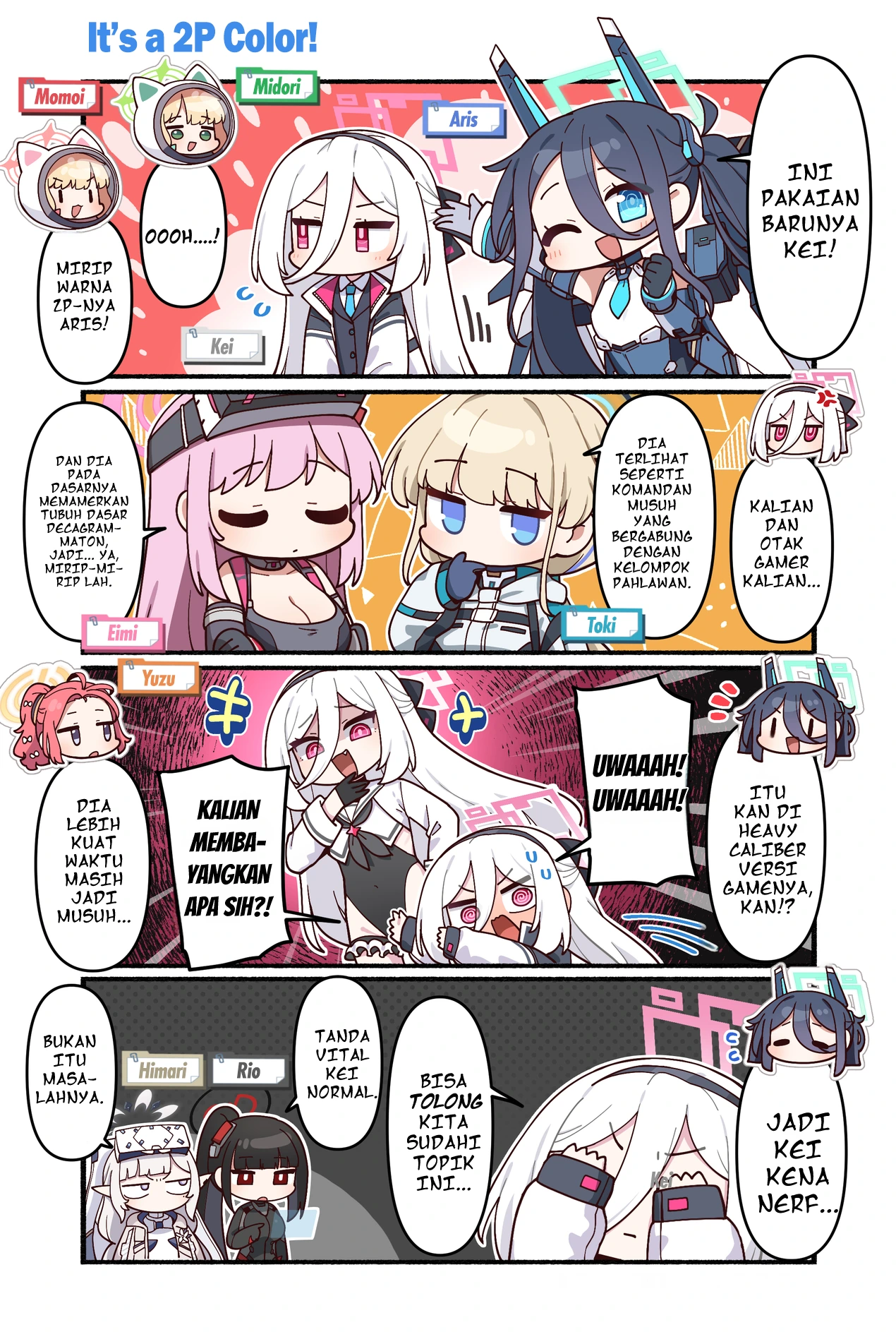
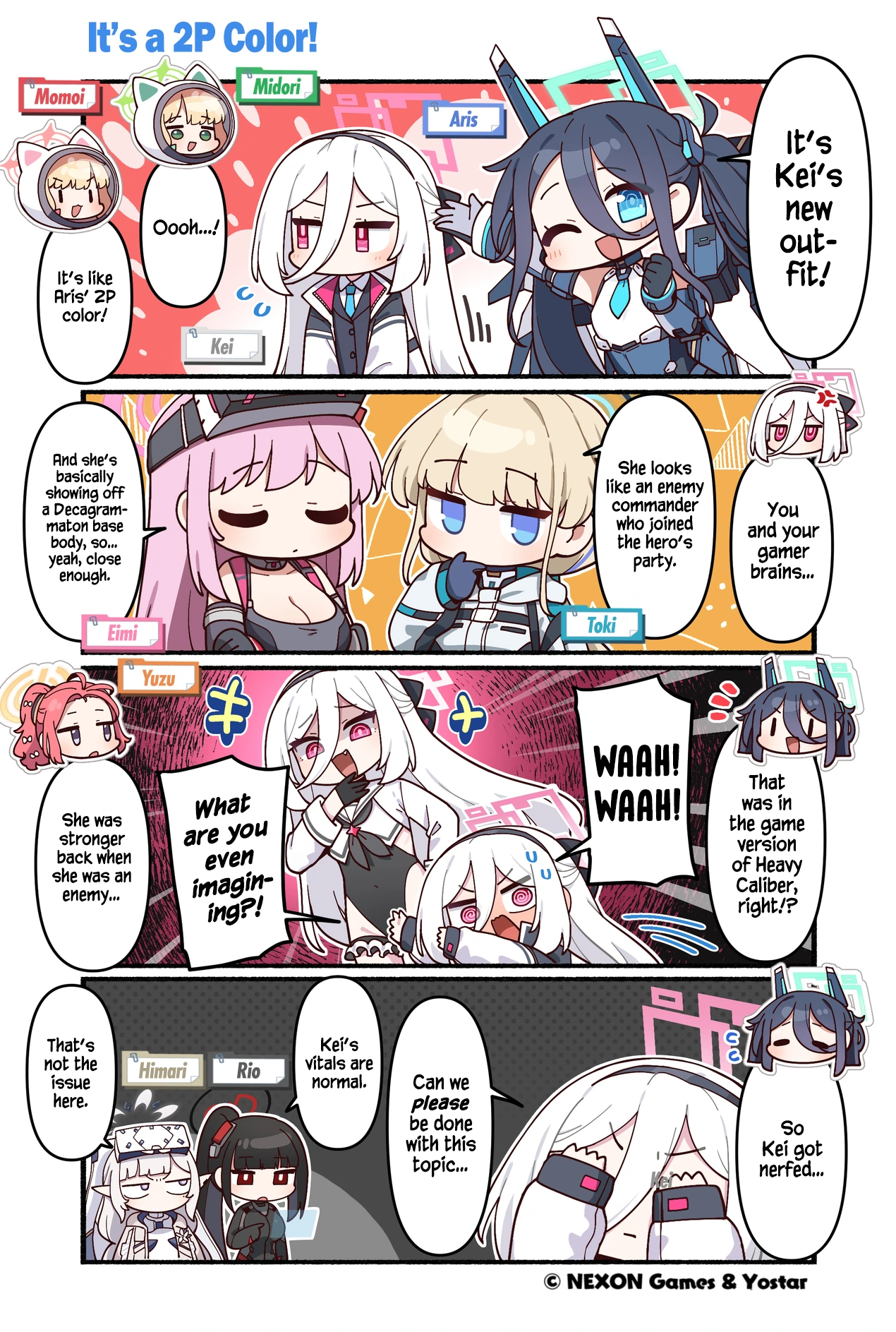
- 1
Drop your pages
Images, folders, ZIP / CBZ, EPUB or PDF.
- 2
Translate with your AI
Gemini, Claude, OpenAI, OpenRouter or a local model.
- 3
Polish, read, export
Fix any bubble, read the chapter, export CBZ or PDF.
See it in action
About 80 seconds, sped up. The whole flow from importing pages to reading the result.
Watch the demo video +
Before and after
The sample page cleaned and translated, screenshots of the app and the full feature list.
Features →How to use it
Installing, connecting an AI, translating a chapter, fixing it and exporting it.
Guide →Free and Supporter
5 translated + 3 manual pages a day for free. Supporter removes the limits and adds the command line and agent tools.
Supporter →Common questions
Is KZRS free? +
Yes. The app is free with 5 translated pages and 3 manual (editor-only) pages a day; editing, reading and exporting what you already have are not limited. A Supporter code removes the limits.
Do I need an API key? +
For cloud AI, yes: your own key from Google Gemini, Anthropic, OpenAI or OpenRouter (Gemini has a free tier). Or run a local model with Ollama or LM Studio and no key is needed.
Does it work without internet? +
With a local model (Ollama, LM Studio) everything runs offline. A Supporter licence keeps working 30 days offline and renews itself when you are online.
Are my images uploaded anywhere? +
No. Only the text inside the bubbles goes to the AI provider you choose. Detection, OCR, cleaning and typesetting run on your computer.
Download
Free, no account. You need an API key from an AI provider, or a local model.
Translating on your phone?
KZRS is for computers. On an Android phone, use KZKT, the mobile version.